



Best AI Tools for Faceless Content Creation in 2026
I used to spend hours trying to figure out which tools to use and i had 10 tabs open, five YouTube videos paused, and still no video published.
The problem was not effort. i just did not have the right AI video creation workflow.
Once i did, everything changed and scripts were done in minutes, voiceovers in one click, videos assembled without touching a camera.
This is the exact faceless YouTube automation tech stack i use now.
Hey, I'm Dominik
I'm a digital product creator, here to help you quit the 9-5 and build a real online business that earns while you sleep, in as little as 90 days, without the chaos, self-doubt, or constant starting over.
FREE COMMUNITY ↓
GRAB YOUR FREEBIE ↓
Click below to get instant access.
RECENT BLOG POSTS

Why the Right AI Stack Changes Everything
Most people waste time trying to do everything manually but AI tools do not replace the work, they just remove the friction that stops you from starting in the first place.
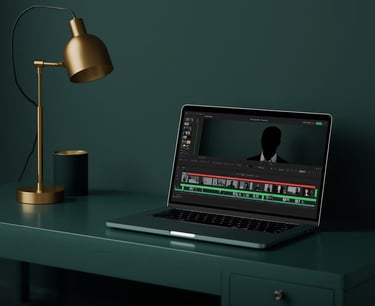
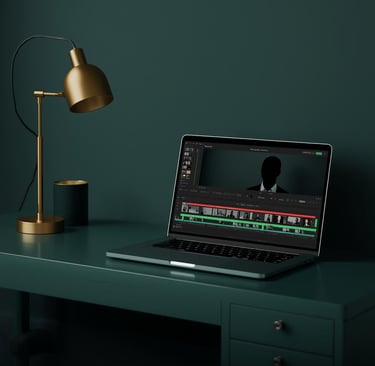
One good end-to-end AI video creation platform turns a content idea into a published video in under an hour and that is what this list is about.
Not sure where to even start with all of this? The Free Faceless Creator Guide walks you through the full workflow before you touch a single tool.
The Best AI Tools for Faceless Content Creation in 2026
1. ✍️ Script Writing
So where do you even start with a faceless video?
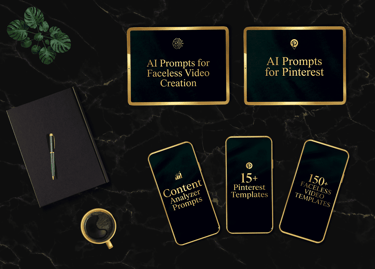
You start with the script and these are the three tools i have actually used for it. If you want the exact prompts i use to write scripts fast, they are all inside the AI Faceless Content Creator System.
ChatGPT - fast, reliable, great for beginners
Claude - better for longer scripts and natural tone
Gemini - good for research-based content
🏆 My personal choice: Claude because the scripts sound more human and need way less editing before they are ready to use.
2. 🎙️ AI Voiceover
i tried five different tools before i landed on ElevenLabs and honestly most of them sound robotic so the choice was easy. If you want realistic AI voice cloning that actually sounds human this is the one.
ElevenLabs - most realistic voices, easiest workflow
Murf AI - good range of voices, clean interface
Descript - solid option if you also want to edit audio
🏆 My personal choice: ElevenLabs and nothing else comes close for how natural it sounds.
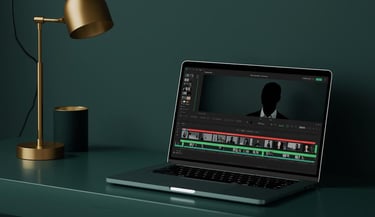
3. 🎬 Video Assembly
These tools make automated video assembly from scripts simple enough that anyone can do it.
CapCut - free, beginner friendly, does everything you need
DaVinci Resolve - more powerful but steeper learning curve
InVideo AI - builds the video automatically from your script
🏆 My personal choice: CapCut because it is fast, simple and gets the job done every single time.
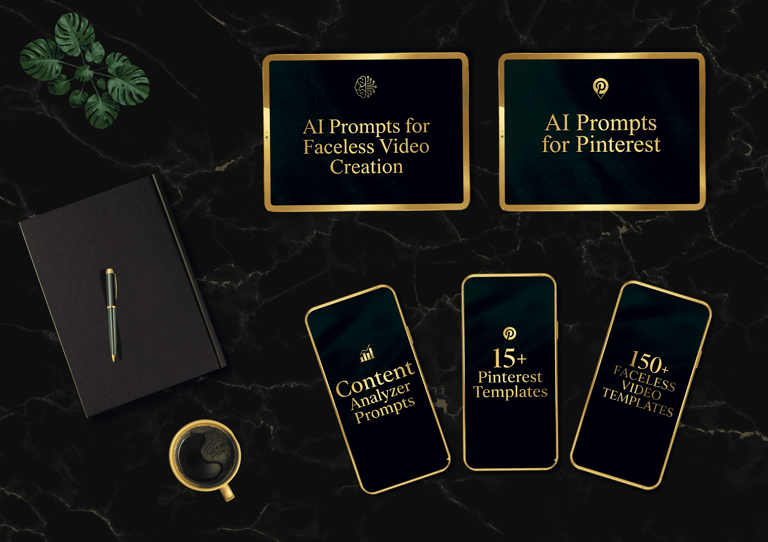
If you want to skip the setup and get straight to creating, the Faceless Creator Kit has everything pre-built so you can go from zero to first video significantly faster.
4. 🎥 B-Roll and Stock Footage
This is where AI-generated cinematic B-roll tools come in and these three have everything you need.
Pexels - free, no watermark, huge library
Kling AI - turns images into video animations with AI
Storyblocks - paid but massive library for serious creators
🏆 My personal choice: Pexels to start and Kling AI when i want something more cinematic.
The exact workflow for how i use these together is inside the AI Faceless Content Creator System.
5. 🎨 Thumbnails and Graphics
Absolutely not and i have been using the same tool since day one.
Canva - easiest, most templates, works for everything
Adobe Express - cleaner designs, slightly more advanced
Kittl - great for premium looking text-based designs
🏆 My personal choice: Canva and i have never felt the need to switch.
6. 🤖 AI Video Generation
These tools basically build the video for you once you give them a script and are the best option when you want to batch-create content with AI fast.
InVideo AI - best all-in-one for beginners
Runway Gen-4 - cinematic quality, more creative control
Opus Clip - best AI tool to turn long-form into shorts
🏆 My personal choice: InVideo AI because you paste a script and get a full video.
7. 💬 Captions and Polish
Dynamic AI subtitles and captions are one of those things that make a huge difference to how professional your videos look.
Captions.ai - best for Reels and Shorts, animated captions
CapCut auto captions - free and built right into the editor
Descript - good if you want full transcript-based editing
🏆 My personal choice: Captions.ai for Reels and CapCut for everything else.
What i Wish i Knew Earlier
You do not need all of these tools, pick one from each category and stick with it
Ten tools you barely use will get you nowhere, one tool you actually use will get you everywhere
The stack does not matter as much as the workflow
A system beats the best tools every single time
Start free, scale with paid tools when you are ready
Take Action
The tools are free to try and the only thing stopping you is not starting.
If you are just getting started, grab the Free Faceless Creator Guide and get the full workflow before you touch a single tool.
If you want to move faster and skip the setup, the Faceless Creator Kit is the fastest way to go from zero to first video without figuring everything out yourself.
And if you are ready to build the whole system properly, the AI Faceless Creator System has everything in one place so you never have to start from scratch again.









© 2026 IMPERUS. All rights reserved.